Give us your event details, and we'll deliver a polished iOS and Android app your attendees will love.

Select the features that matter to your attendees, and we'll generate a native-quality app for iPhone and Android — instantly.




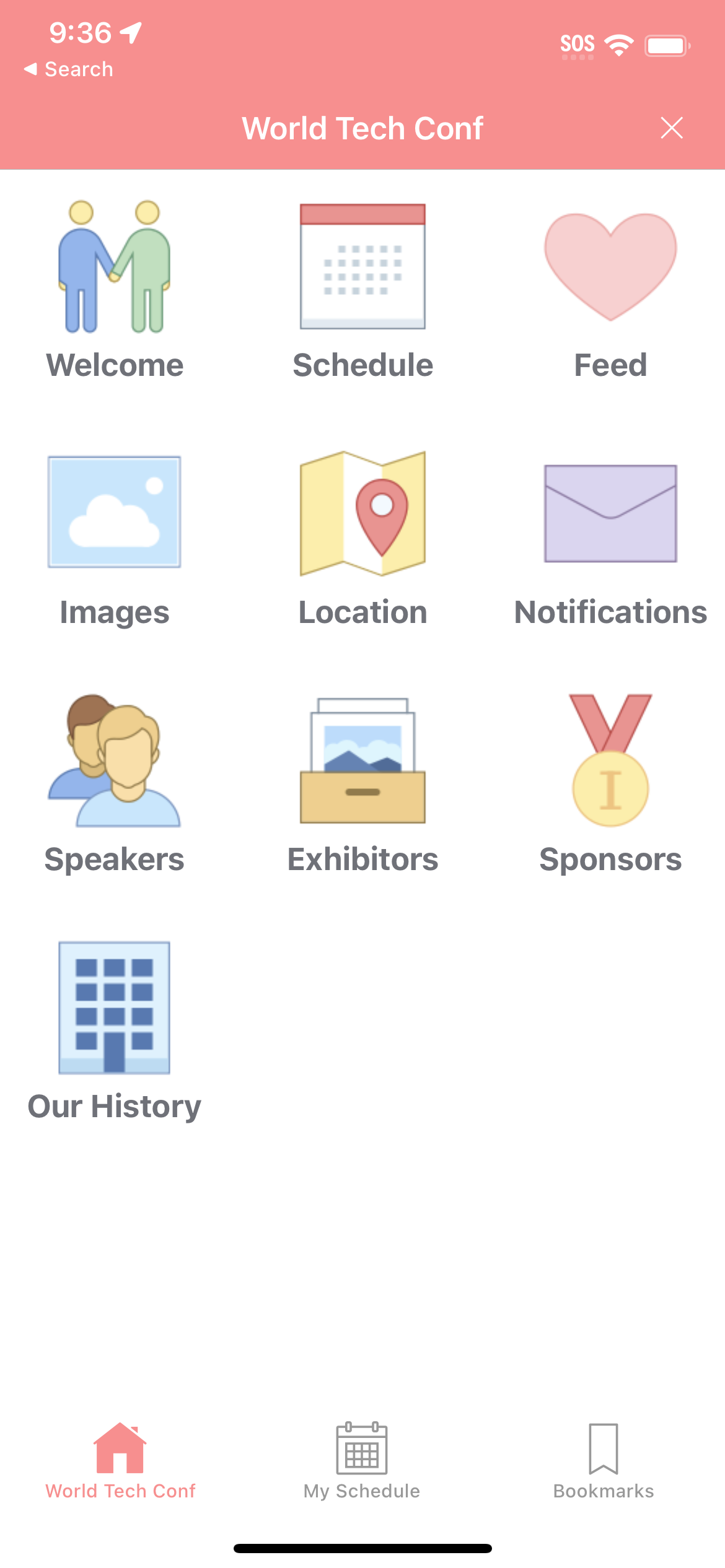
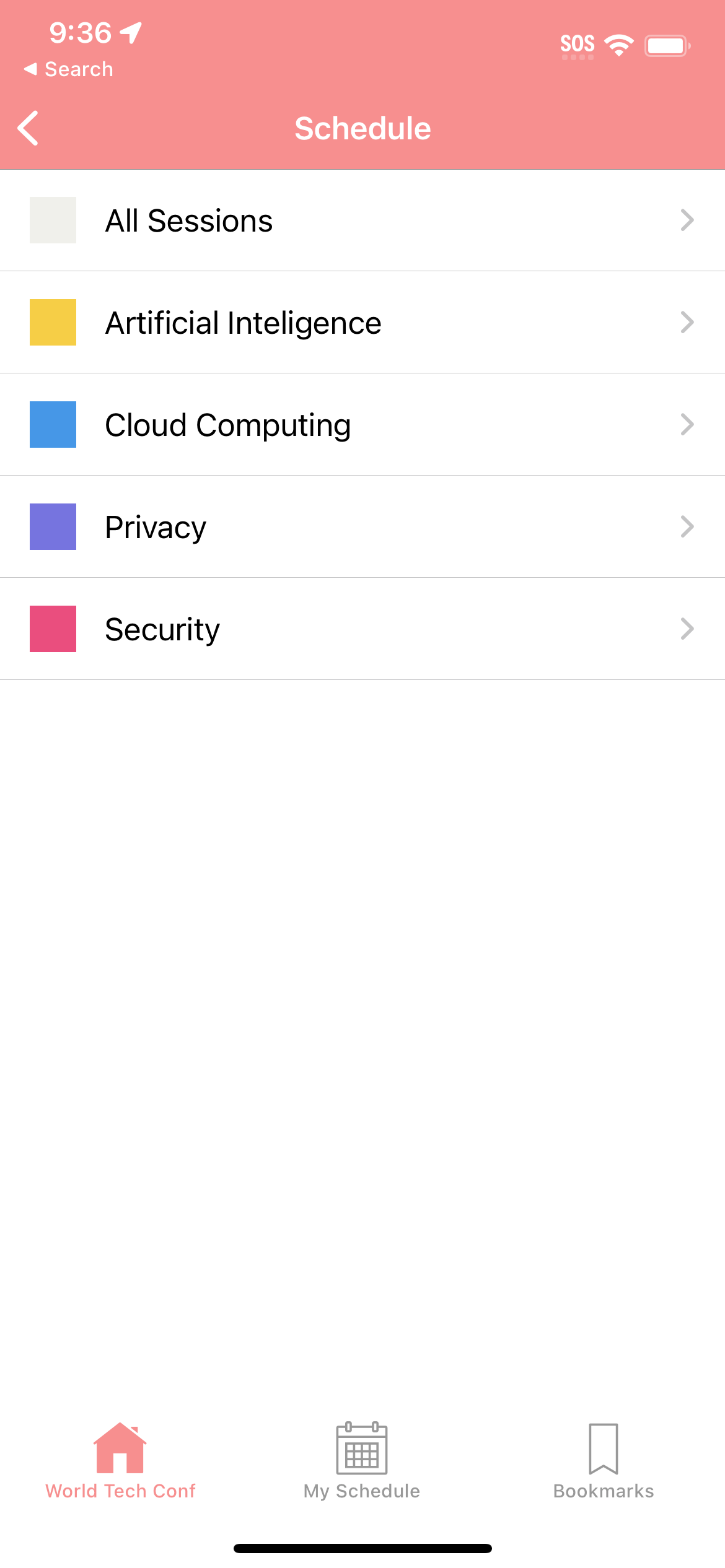
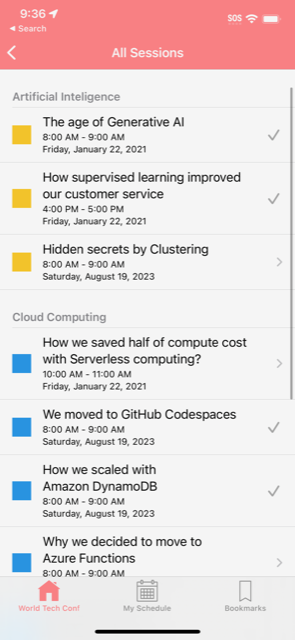
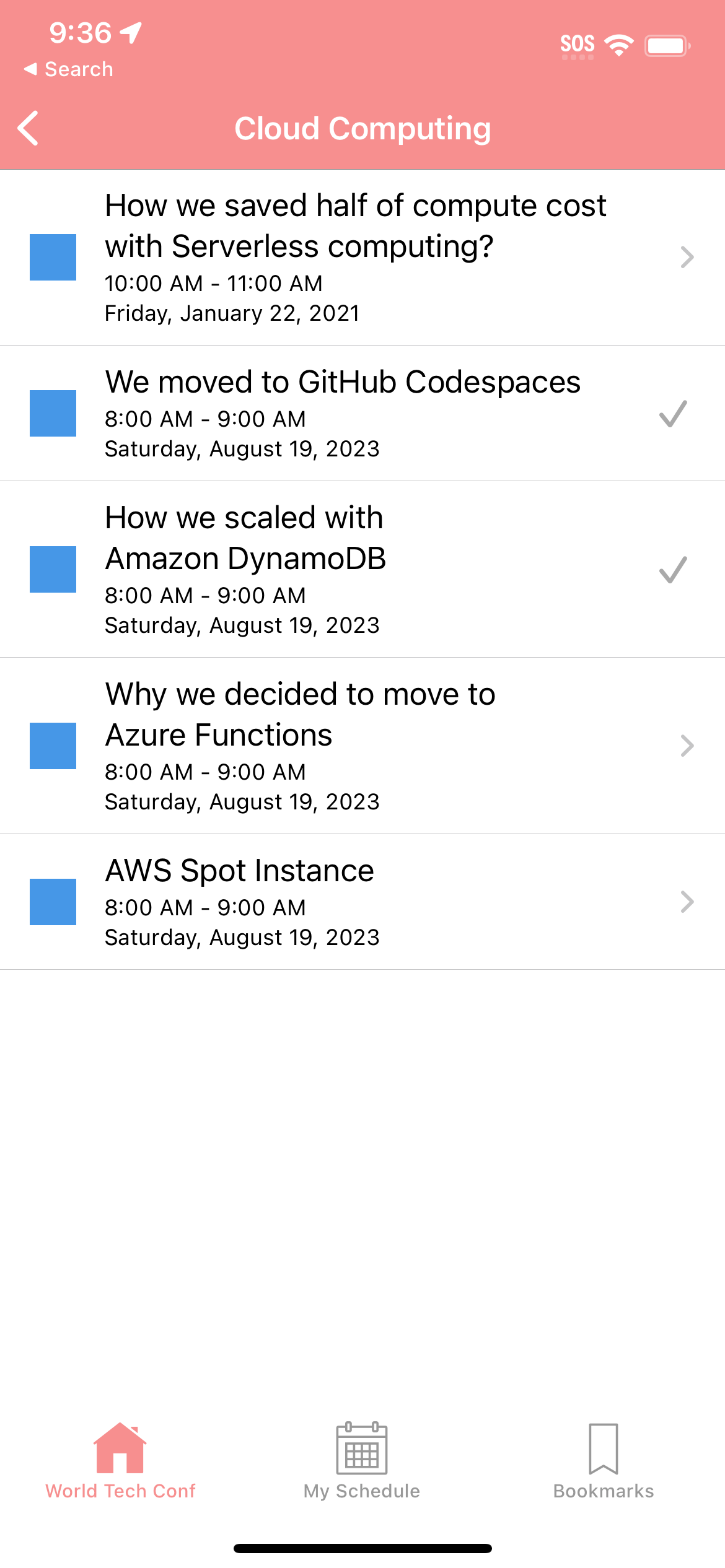
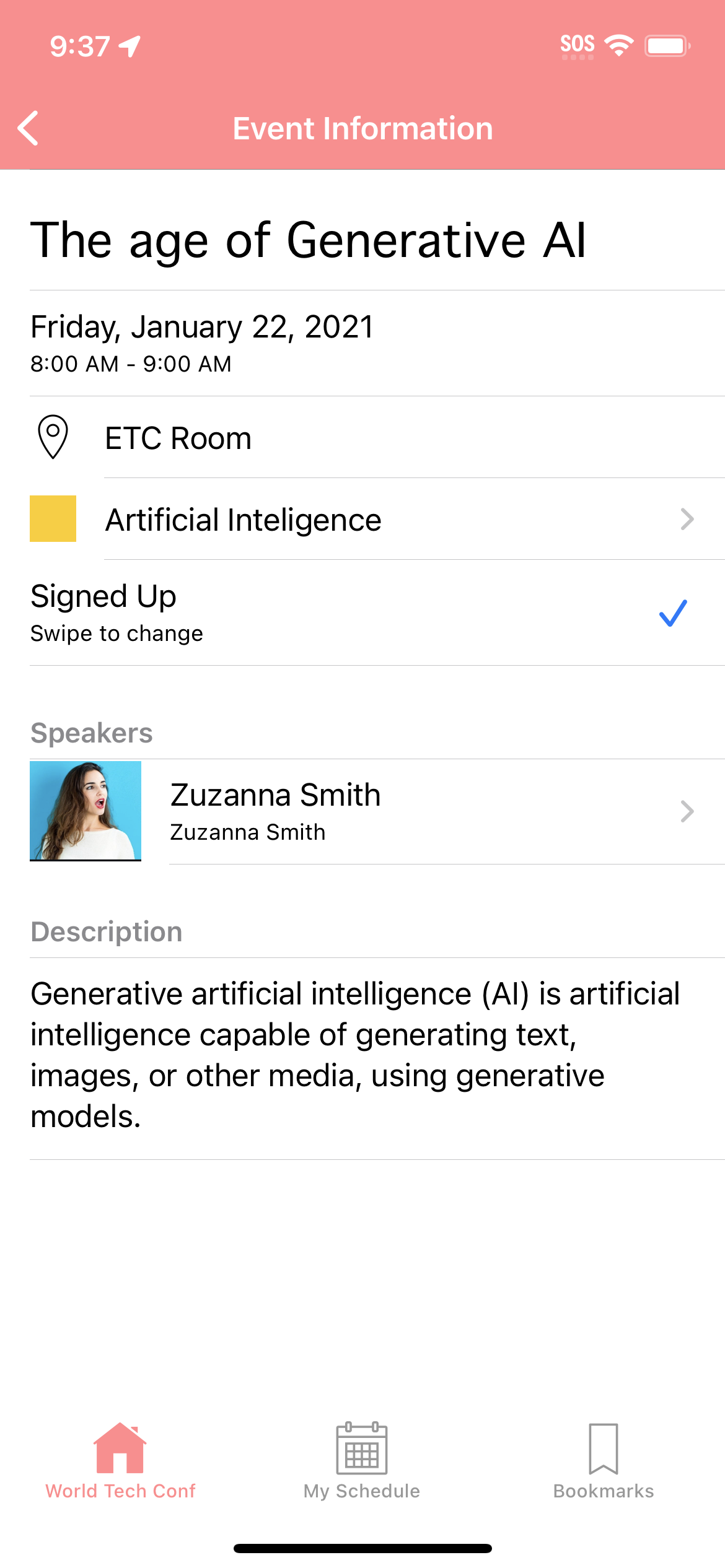
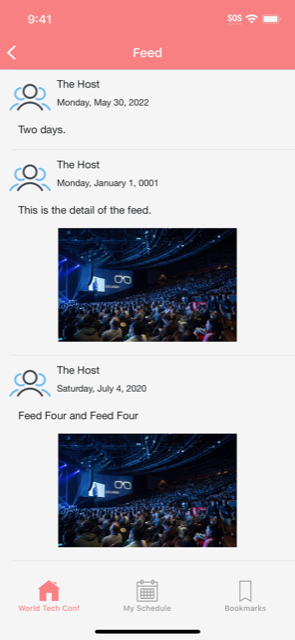
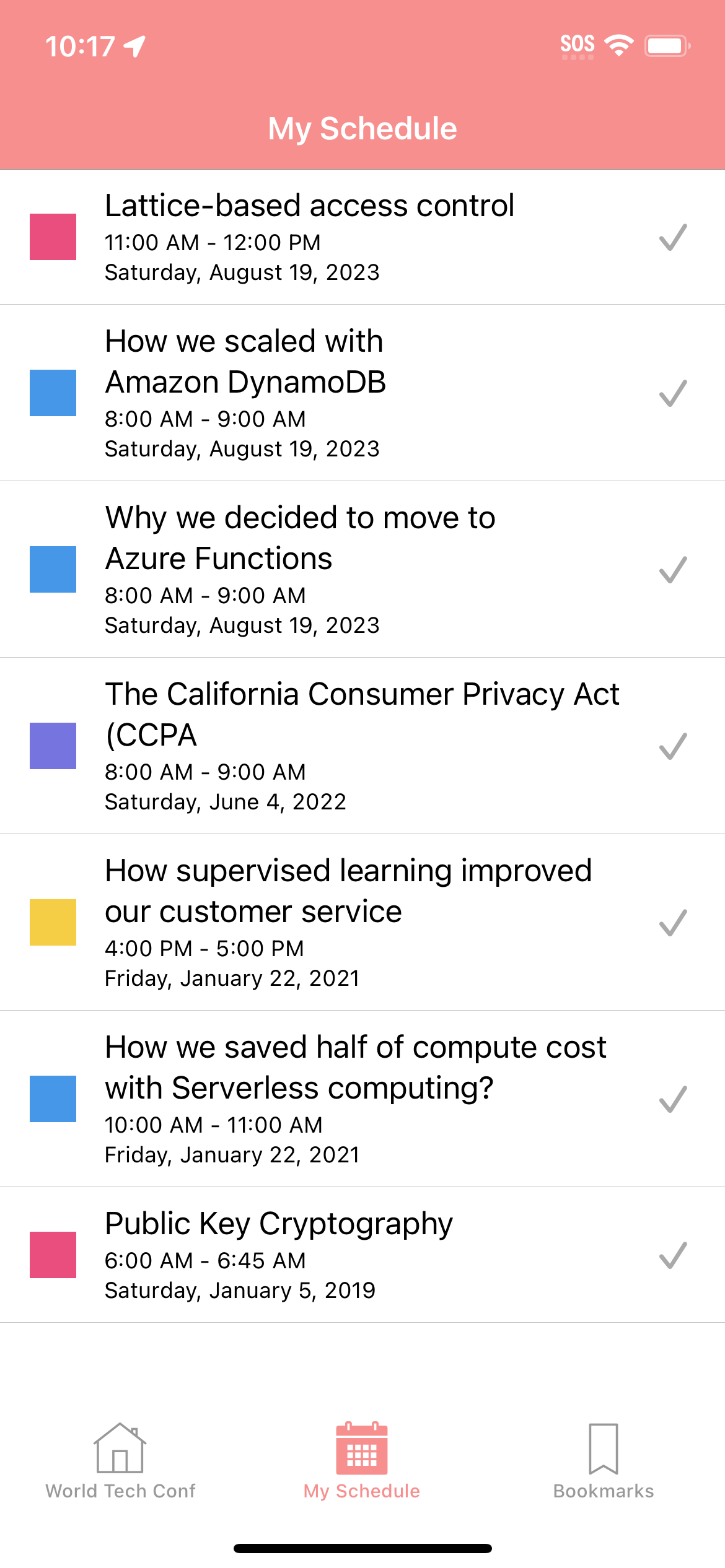
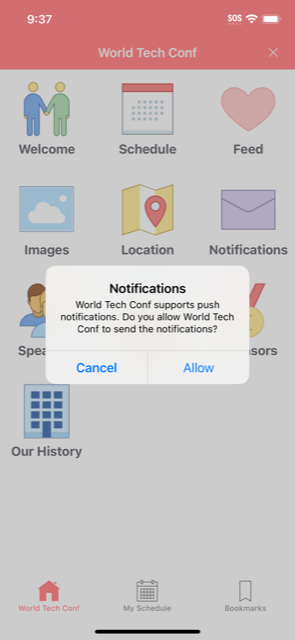
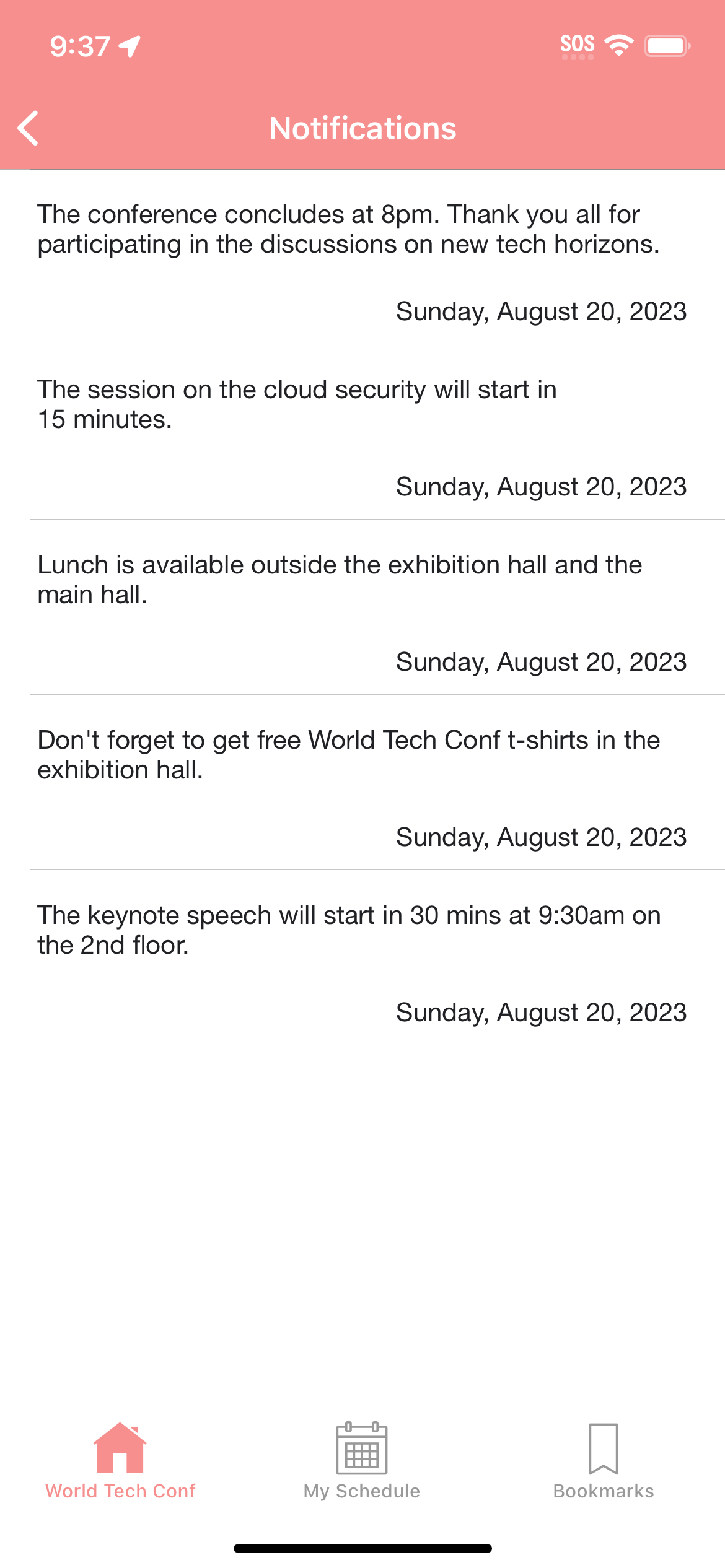
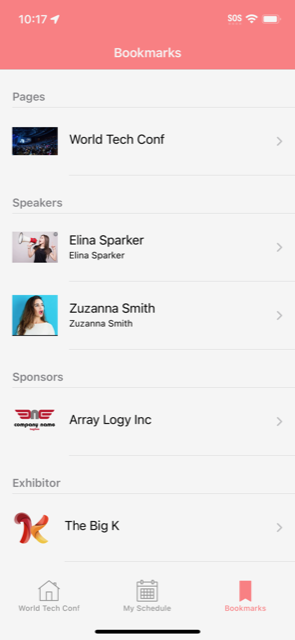
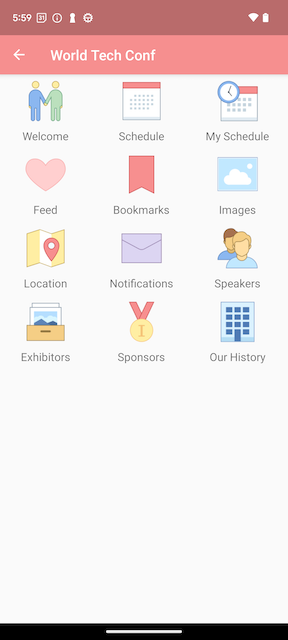
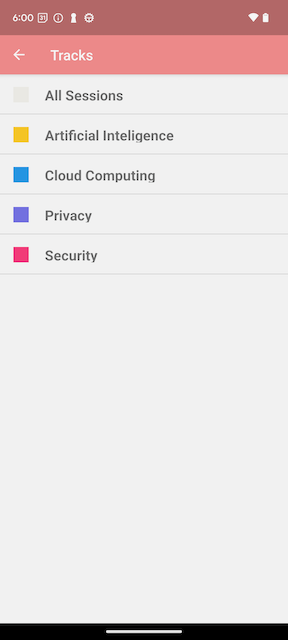
Preview every feature across iPhone and Android — scroll through real screenshots below.
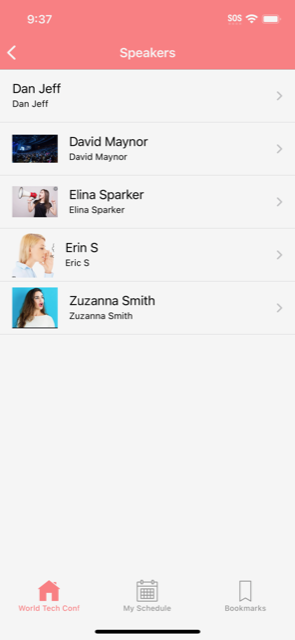
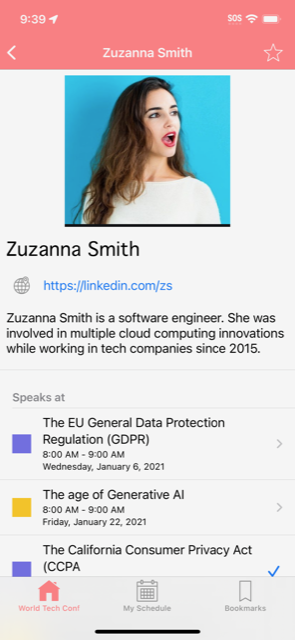




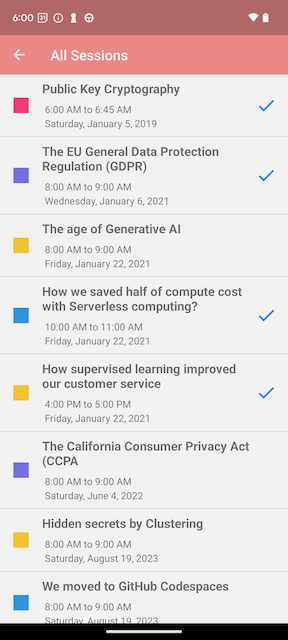
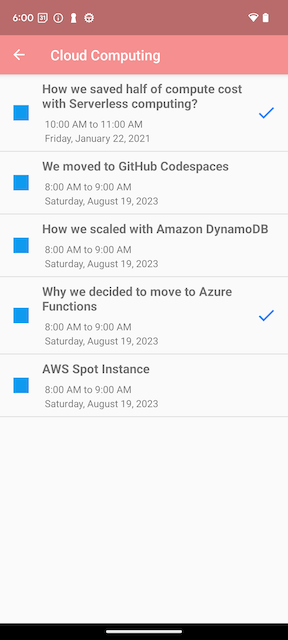
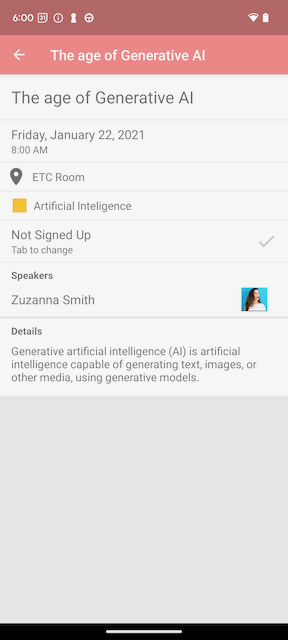
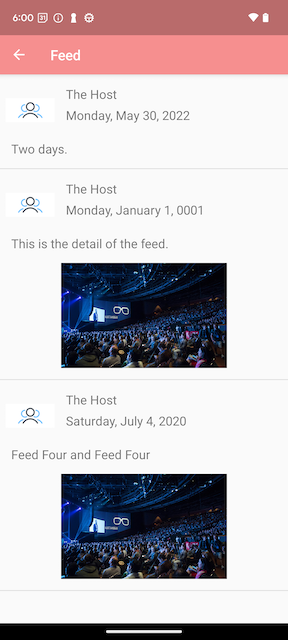
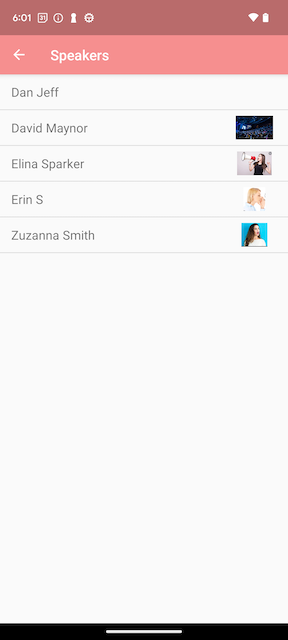
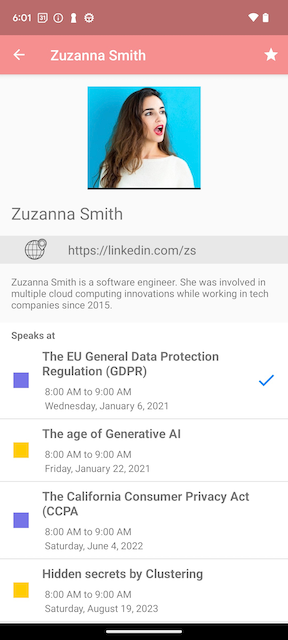
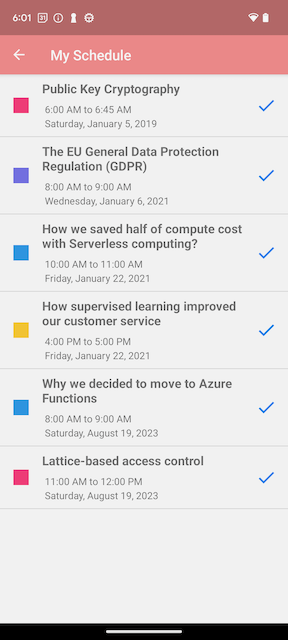
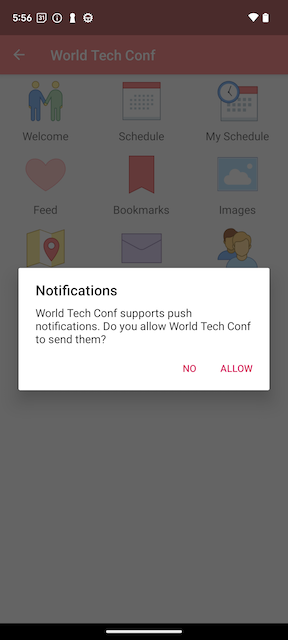
From sign-up to a published conference app — it only takes minutes, not months.
Add your event name, date, and location — that's all it takes to create your first app.
Populate your schedule, speakers, sponsors, and any other sections your attendees need.
Test privately on your device, then go live — your attendees get instant access on both platforms.
No hidden fees. No surprises. Pick the plan that fits your event.
Perfect for small events up to 250 attendees.
/conference
Ideal for mid-size events up to 2,000 attendees.
White-label apps for large-scale conferences.
Every feature is designed to keep your audience engaged, informed, and connected.

Attendees build a personal agenda before the event — so they never miss the sessions that matter most.

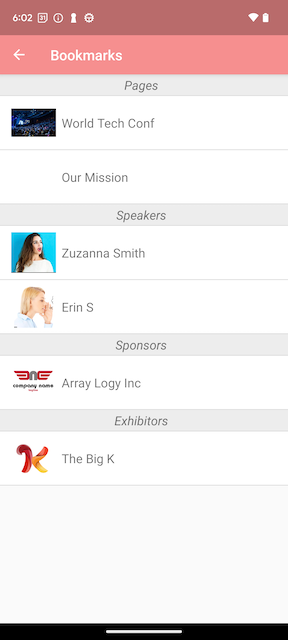
Save speakers, sessions, sponsors, and exhibitors for quick reference — all in one tap.
 2
2
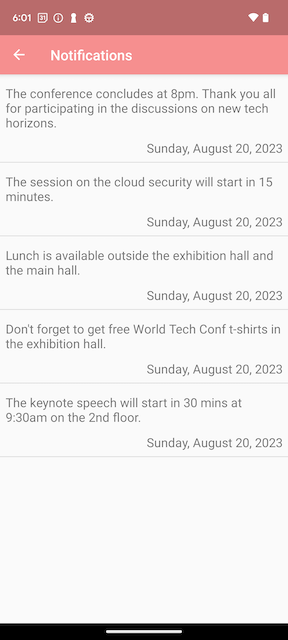
Send real-time alerts so attendees never miss a schedule change, keynote, or important update.

Broadcast announcements, photos, and real-time updates directly to every attendee’s screen.
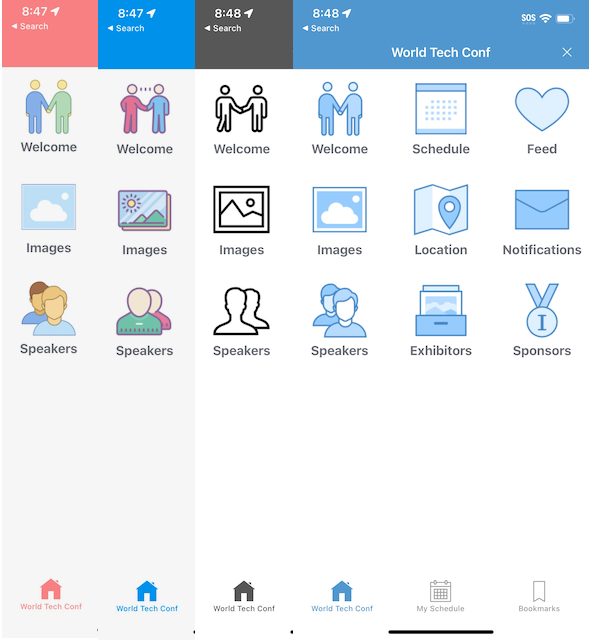
Templates, sections, icons, and content — everything bends to fit your brand.
Choose from professionally designed templates and icon sets to reflect your event’s look and feel.
Add, remove, or reorder sections with a single click — schedule, speakers, maps, sponsors, and more.
Share your app privately with a select group or open it up to all attendees — you’re in control.
Everything you need to know before getting started.
There is no limit on the number of apps you can create. Each app just needs to represent a real event or conference.
Yes. ConfStudio supports in-person, fully virtual, and hybrid events.
No. When you publish your app, both the iOS and Android versions are created automatically — no extra configuration needed.
The Advanced plan ($39.99 per conference) supports up to 2,000 attendees, unlimited push notifications, a standalone app option, and priority email & phone support.
Use Private Publish to test your app on a real device before releasing it publicly. Your attendees won't see it until you're ready to go live.
No problem. Your app is created with a default set of sections, but you can add or remove any section with a single click — keeping only what's relevant to your event.
Yes. Custom features are available on the Enterprise plan. Contact us at start@confstudio.com and we'll scope the work for you.
Yes. Choose from several built-in templates. Advanced and Enterprise plans also support fully custom branded designs.
Go to My Guides, select your event app, and on the management home page click the template drop-down in the top toolbar. The default template is “Modern”.
Yes. Standalone branded apps are available on the Advanced and Enterprise plans. Contact us at start@confstudio.com to get started.
Go to My Guides and select your app. Click Publish Guide then choose Private Release. Save the access code — you'll need it to install the app on your test device.
Download the ConfStudio app from the App Store or Play Store. Go to My Guides, tap the key icon, and enter your private access code to preview your conference app.
Go to My Guides, select your app, click Publish Guide, then choose Public Release. Your app will instantly be available to all attendees.
Can't find an answer? Email us
ConfStudio helps event organizers launch polished conference apps for iOS and Android in minutes. Schedule, speakers, notifications, live feed, and more — all without writing a single line of code.